Illustration, Japanese audio and an example · 9,568 words N5–N1
Three ways to remember
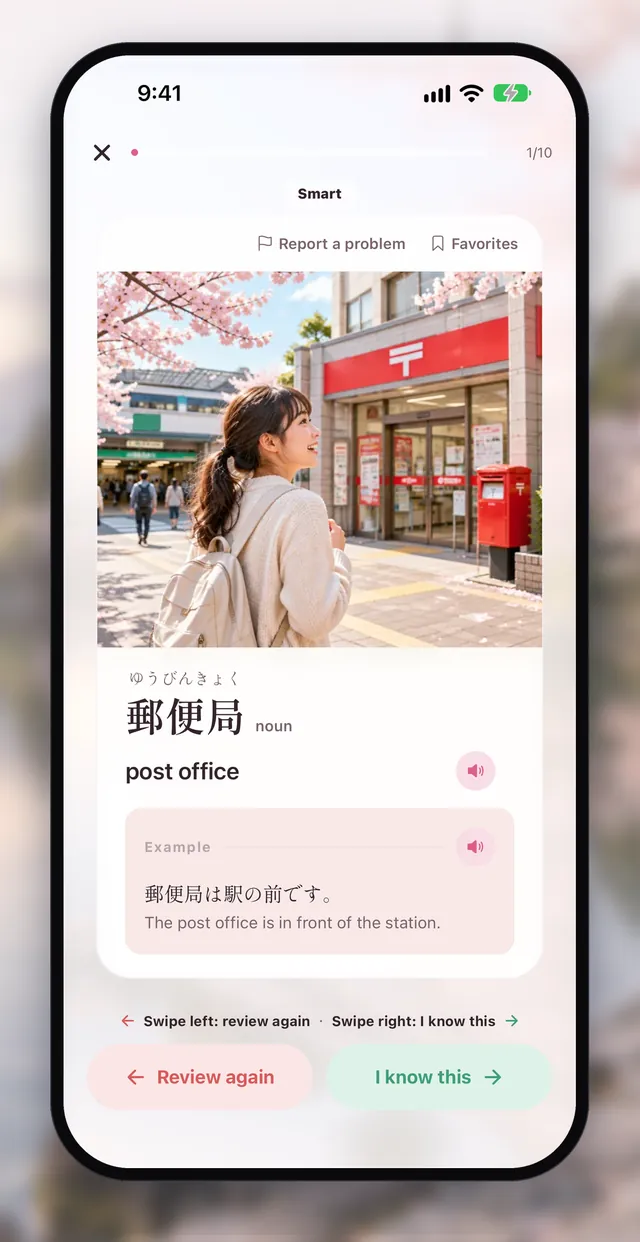
Every word comes with an illustration, Japanese audio and one example sentence. The image, sound and sentence each give you a cue to remember the word.

Japanese Words N5–N1 & Kana
一語ずつ、合格へ。
Open Aptenyo JLPT Vocabulary N5–N1 and tap GO to start: 9,568 Japanese words from N5 to N1, each with an illustration, Japanese audio and an example sentence. One round is 10 words and takes about 3–4 minutes.
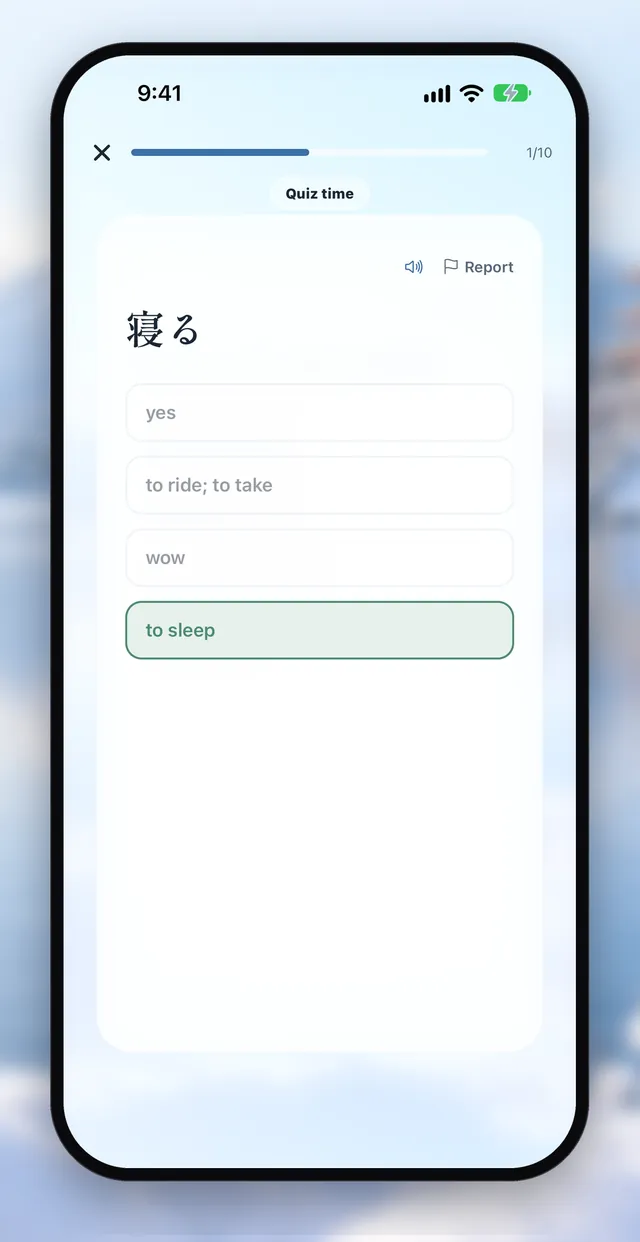
Go beyond recognizing words: 5,705 practice questions across four formats — kanji readings, word choice in context, synonyms and usage — help you actually use them.

 Scan with your phone to download
passing, to pass an exam
兄は第一志望の大学に合格して、家族みんなでお祝いをした。
My older brother passed the entrance exam for his first-choice university, and the whole family celebrated.
Illustration, Japanese audio and an example · 9,568 words N5–N1
Every word comes with an illustration, Japanese audio and one example sentence. The image, sound and sentence each give you a cue to remember the word.
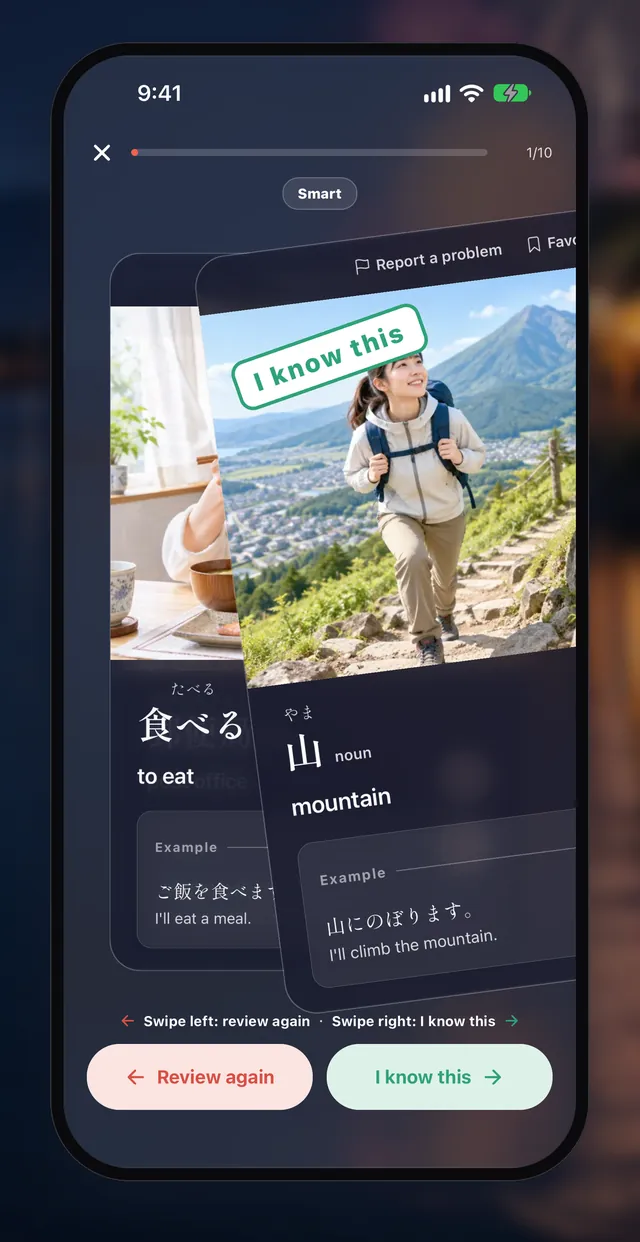
Know it? Swipe right. Not sure? Swipe left. Reviews are scheduled for you
Swipe right if you know a word; swipe left if you’re not sure. Each card takes about 2–3 seconds. The app schedules what to learn and review, mixing new words across topics.
Word Carousel · Lock Screen widget
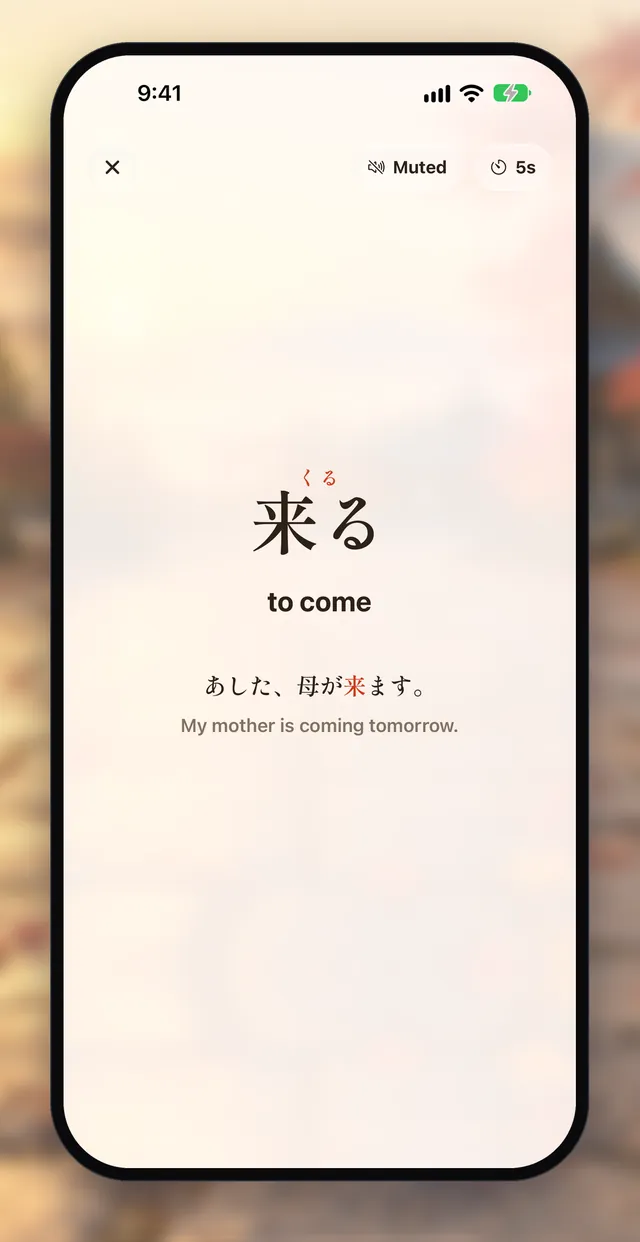
Tap “Word Carousel” to show words full screen, advancing every 5, 10 or 15 seconds. Each screen shows the reading, meaning and example sentence. Sound is off by default; you can turn on audio for the word alone, or for the word and its example sentence. The screen stays on. Words in a level do not repeat until all have appeared. Glance at it in a meeting or class and learn one more word.
On iPhone, add word widgets to the Lock Screen, Home Screen or StandBy; the words change automatically.
Quick quiz + spaced review
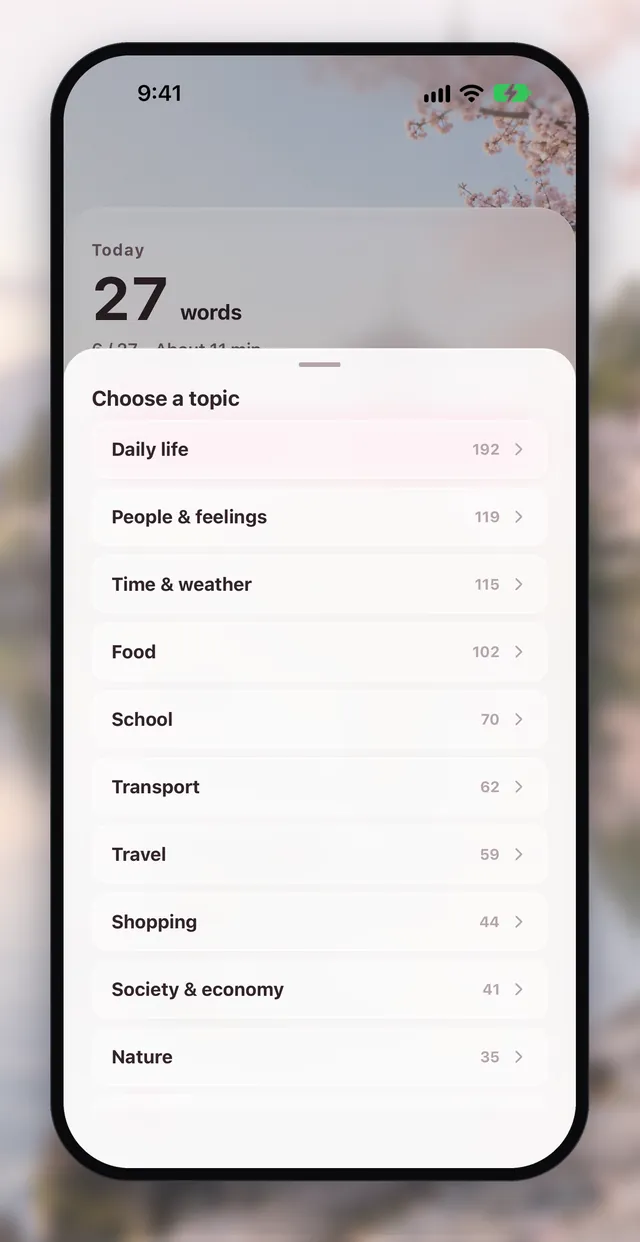
13 topics · parts of speech · mistakes
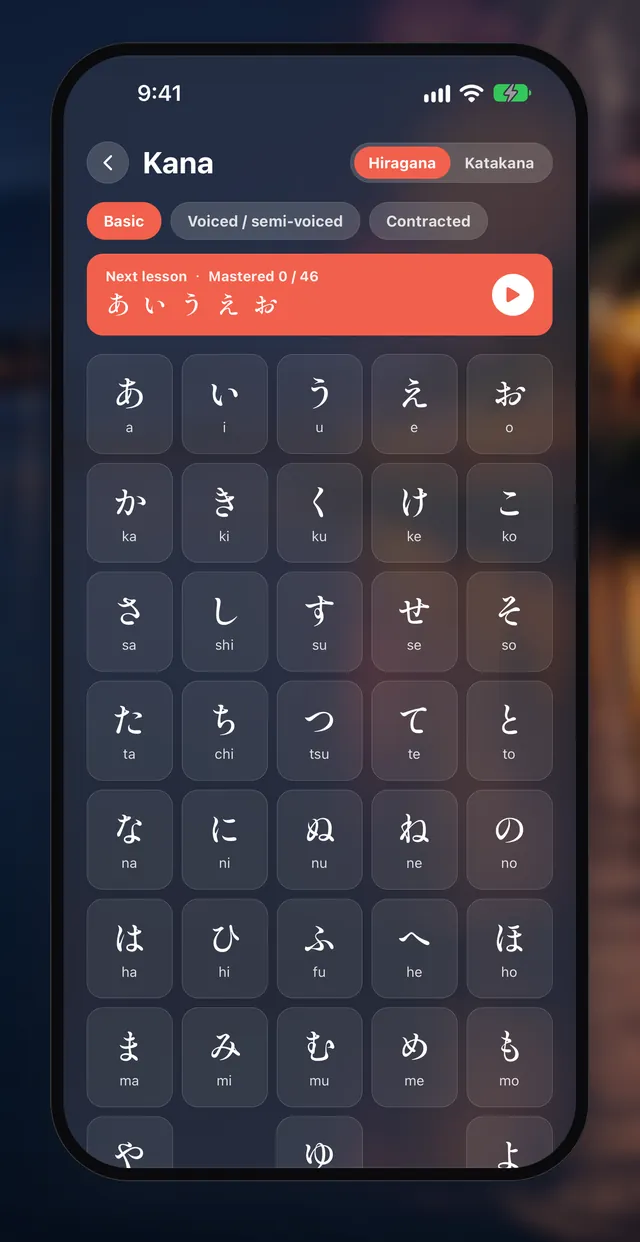
Hiragana and katakana, one row at a time
Learn hiragana and katakana one row at a time. Quiz both ways: see a kana and pick its sound, or hear a sound and pick the kana. You master a character only when you get both directions right, then continue into N5.
In addition to vocabulary, there's a kanji library with 1,968 characters across N5–N1. Browse by level, search by kanji, reading, or meaning, and sort by exam frequency or character shape.

No registration needed. N5 and the kana course are free; N4–N1 can be tried free for 7 days and is then a one-time purchase, with no subscription.
N4–N1: one-time purchase, US$9.99 (the price shown in the App Store applies). The 7-day free trial ends automatically with no charge. Not a subscription.
Browse all 9,568 words from N5 to N1. Search by Japanese, kana, romaji or English meaning, then tap a word to see its illustration, audio and example sentence. Want to see a word again? Add it to Favorites.
Cherry blossoms in spring, summer fireworks, autumn leaves and winter snow bring seasonal scenery to the interface. The app icon also has four seasonal versions to choose from in Settings.


Download images and audio once, then study without an internet connection on the subway or on a plane.
No. Open the app and tap GO to start; no sign-up or login is needed. Your progress is stored on your phone, and you can export or import it in Settings.
All 1,222 N5 words and the kana course are free. N4–N1 can be tried free for 7 days; after that, N4–N1 is a one-time purchase that is yours for life. No subscription and no ads.
9,568 words from N5 to N1: N5 1,222 · N4 1,126 · N3 2,107 · N2 2,392 · N1 2,721. Every word has an illustration, Japanese audio and an example sentence.
Yes. Download images and audio once from Media packs in Settings, then study without an internet connection on the subway or on a plane.
Yes. Add word widgets to the Lock Screen, Home Screen or StandBy on iPhone; the words change automatically. To set how often a widget changes words, touch and hold the widget, then tap Edit Widget.
Go to Settings and tap Restore purchases. Use the same Apple ID that you used to buy.
The 9,568 words and the per-level counts (N5 1,222 · N4 1,126 · N3 2,107 · N2 2,392 · N1 2,721) match the App Store listing, read on 2026-10-27: https://apps.apple.com/app/id6818487480. Numbers may change with app updates; the App Store listing is the reference.
Yes. The vocabulary App includes a free kana course. Learn hiragana and katakana one row at a time: first see a kana and choose its reading, then hear a sound and choose the kana. After that, you can move on to N5, which is also free.
Yes. The iOS version of the vocabulary App includes a kanji library with 1,968 characters across N5–N1 that you can browse and search.
Passing the JLPT and mastering Japanese are two different things. Aptenyo JLPT Vocabulary N5–N1 focuses on JLPT vocabulary by level, with practice to help you recognize each word at a glance on exam day.
一語ずつ、合格へ。
Scan with your phone to downloadCounts come from each app’s App Store listing, read back on 2026-10-27: 9,568 words, 754 grammar patterns, 600+ reading questions, 283 JFT-Basic questions. Past-exam appearance counts are our own reference figures, not official JLPT statistics.